Utilizing Technology:
Fostering a Community of 21st-Century Learners
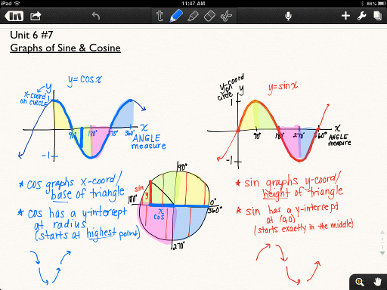
I am always willing to try out new technology and have been a part of numerous pilot programs in my department and at the high school. In determining what technology to use and how to use it, I always ask myself two questions: "How can this enhance student learning?" and "How can this increase my own efficiency?".
Along with the iPad, I regularly use a document camera in the classroom. This allows for quick and easy projection of textbooks and worksheets, the graphing calculator, and, most importantly, student work.
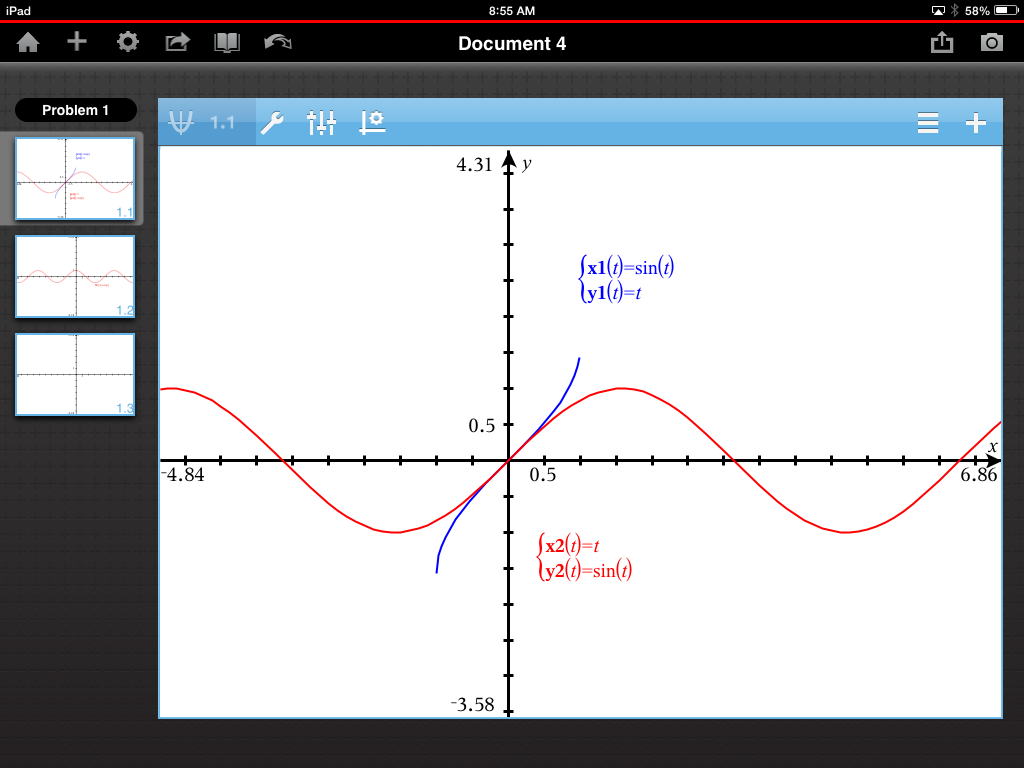
Though we do not have the capability for consistent student use with the software, I regularly use Geometer's Sketchpad as a creation, demonstration, and exploration tool in my teaching. Please see the examples above right (.gsp files).
For each of my classes, I maintain a class website through Google Sites. (In the past, I have also used Wikispaces and Blogger.) The students and I use the websites to record class objectives, essential questions, and assignments, share documents, and communicate. In the future, I plan to explore the use of Schoology as an alternative.
I also regularly use Google Drive. I create shared folders (accessed from the google site) with notes, materials, and solutions (please see Example from Honors Pre-Calculus , Example from AP Calculus BC, and Example from Functions & Trig). Students complete and submit writing assignments as Google Docs. I also use Google Forms as a venue for formative assessments and feedback.
Shrewsbury High School uses the PowerSchool system, including PowerGradebook, as well as Naivance for college applications and recommendations.
At Holy Cross, all students and faculty use Moodle. In addition, the Calculus courses all use the WebAssign online homework system.

|
Function Matching.gsp Size : 45.211 Kb Type : gsp |
|
|
Antonelli Trig Modeling.gsp Size : 37.574 Kb Type : gsp |
